Best Montessori apps for toddlers UK (2026)
Montessori is about hands-on learning with real objects. Seven apps that bring that idea home, some for your child and some for you.
- Free to download
- No account needed
- No screen time for your child
 On a laptop?
Scan to get Mooshie on your iPhone.
The quick answer
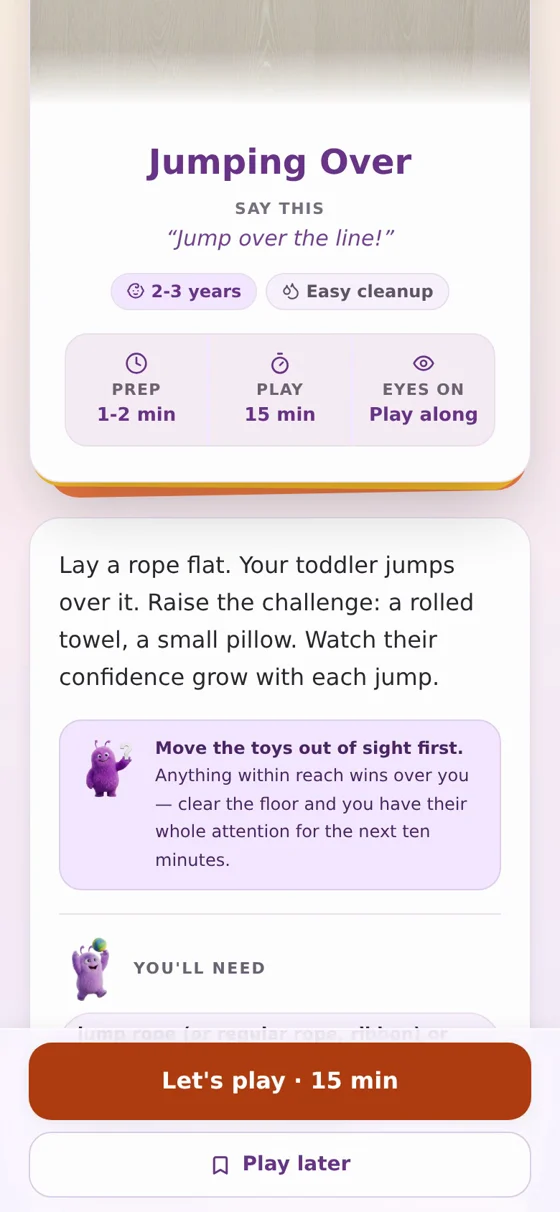
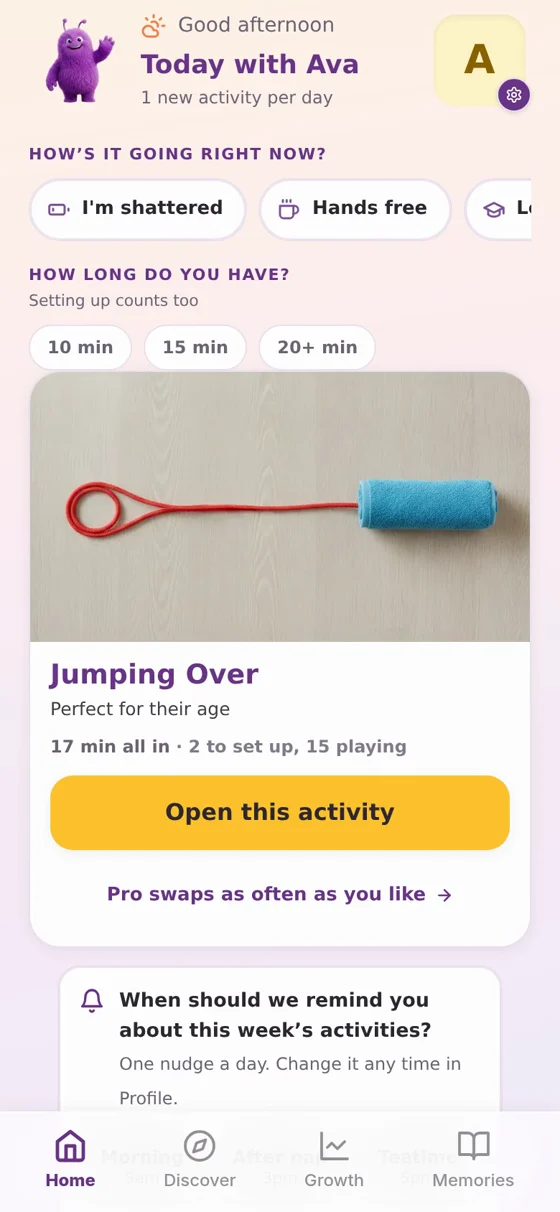
- Our pick for hands-on play at home (we make it): Mooshie Moments. One game a day using real household objects, with games reviewed by specialists including Montessori educators.
- Best Montessori-style app your child plays: Pok Pok, a calm, open-ended app for ages 2 to 8.
- Best structured Montessori curriculum app: Montessori Preschool (Edoki), designed with certified Montessori teachers, from age 3.
- Good to know: no app is “Montessori” on its own. The method is built on real objects, so the best apps send you back to them.

The apps at a glance
Swipe the table to see every column →
| App | Who uses the screen | Ages | Free version | Paid (UK) |
|---|---|---|---|---|
| Mooshie Moments | Parent only | 6 months to 4 years | 3 free games a week, no account | £9.99 a month or £29.99 a year, 7-day free trial |
| Pok Pok | Child | 2 to 8 years | Free trial | App Store lists £6.99 to £12.99 a month, £45.99 to £79.99 a year, or £89.99 lifetime |
| Montessori Preschool (Edoki) | Child | 3 to 7 years | Free to download, limited content | App Store lists £10.99 a month; yearly plans £18.49 to £54.99 |
| Hungry Caterpillar Play School | Child | 2 to 6 years | Free to download, limited content | App Store lists £5.99 to £9.99 a month, £49.99 to £59.99 a year |
| Busy Shapes & Colours | Child | Toddlers and preschoolers | Free to download, a few levels | £2.99 one-off for the full version |
| Inspired Minds | Parent only | Babies to preschoolers | Searchable activity database and baby tracker | From £6.99 a month, from £39.99 a year, or £129.99 lifetime |
| Lovevery | Parent only | 0 to 36 months (app store listing) | 28-day free trial of the app | Included with Play Kits: £80 per kit (0 to 12 months), £120 per kit (1 to 4 years) |
Prices and features checked November 2026 from each app’s own website and the UK App Store. Where the App Store lists several prices without naming the plan, we give the range. Prices can change, so check before you subscribe.
What makes an app Montessori-friendly
Maria Montessori’s approach puts children’s hands on real things: pouring, sorting, dressing themselves, helping in the kitchen. There is no official Montessori label for apps, so we judged each one on how well it fits the core ideas:
- Hands-on: does it lead to real objects, or keep everything on the screen?
- Child-led and calm: no flashing rewards, scores or timers.
- Independence: does it help a child do things for themselves?
- Who holds the screen, and what does it cost?
We make Mooshie, so it appears first, and every entry has a fair “best for”.

Our picks, one by one
1. Mooshie Moments
Best for: Montessori-style play with real objects, from 6 months to 4 years
Mooshie is for the parent, and every game uses real objects you already have at home: pots, spoons, socks, boxes. Tell it your little one’s age and how the day is going, and it picks one game from 5,918, with the steps, the exact words to say and a Brain Boost on what it builds. Games are reviewed by specialists in early years, Montessori, occupational therapy and child psychology, and many build independence and practical life skills. It is iPhone only for now, has no video demos and starts at 6 months.
2. Pok Pok
Best for: A calm, low-stimulation app for children who get overexcited by busy games
Pok Pok is a set of open-ended, Montessori-inspired digital toys for ages 2 to 8, with no levels, scores or ads. It won an App Store award in 2023 and is well rated by UK parents. It is a subscription after a free trial, with several App Store prices including a lifetime option, and your child uses the screen.
3. Montessori Preschool (Edoki)
Best for: Montessori-style letters, numbers and early coding for ages 3 to 7
Montessori Preschool was designed with certified Montessori teachers and covers phonics, reading, writing, numbers, colours, shapes, nursery rhymes and simple coding. It runs from age 3 to Year 1. It is a subscription after limited free content, and the UK App Store lists several prices without naming every plan. Your child uses the screen.
4. Hungry Caterpillar Play School
Best for: Gentle, Montessori-style learning with Eric Carle’s artwork
Hungry Caterpillar Play School is built on Montessori principles and covers letters, numbers, shapes, art, songs and calm-down meditations for ages 2 to 6, all in Eric Carle’s picture-book style. Most of it needs a subscription; the UK App Store lists monthly prices from £5.99 to £9.99. Your child uses the screen.
5. Busy Shapes & Colours
Best for: A simple, cheap first app for shapes and colours
Busy Shapes & Colours, from Edoki Academy, teaches the names of 11 shapes and 11 colours through short, calm puzzles designed for toddlers. It is free to try, and the full version is a one-off £2.99, with no subscription. It is small and focused, so it won’t hold attention for long, which for a toddler is no bad thing.
6. Inspired Minds
Best for: Parents who like to search for activities themselves
Inspired Minds, from I Teach Tiny Humans, is a searchable bank of hands-on learning activities using everyday materials, with a free baby tracker. Premium adds personalised suggestions, printables and preschool curricula for ages 3 and 4. It has only a small number of UK ratings so far.
7. Lovevery
Best for: Families who already have, or plan to buy, Lovevery Play Kits
The Lovevery app is the companion to the Play Kits toy subscription: week-by-week guidance, play ideas for each toy and expert answers. Everything matches the toys you have. After a 28-day free trial, full access needs an active Play Kits subscription, and most ideas centre on Lovevery’s own toys.
Montessori at home without an app
You don’t need special materials to bring Montessori ideas home. A few simple changes help:
- Fewer toys, out on low shelves, swapped every week or two. See our toy rotation guide.
- Real jobs: wiping the table, pairing socks, washing vegetables.
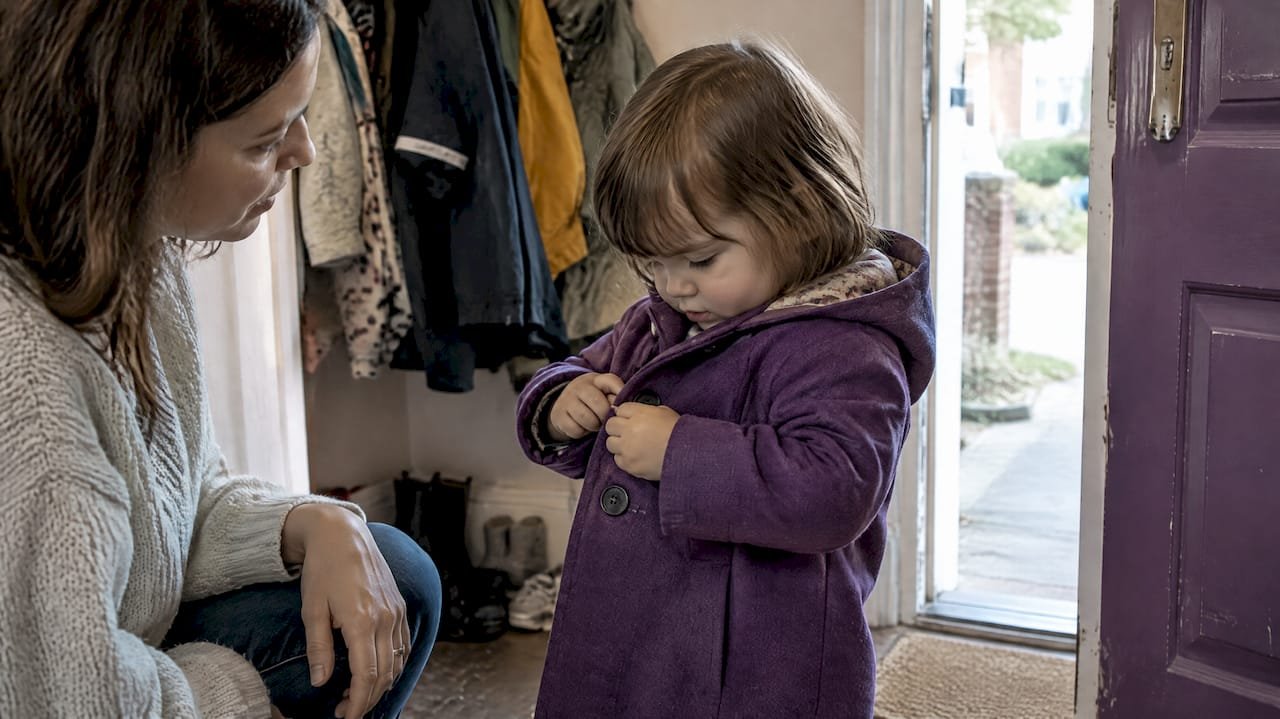
- Time to try: wait a little longer before helping with a coat or a puzzle.
- Treasure baskets and loose parts for babies and young toddlers. See our treasure basket ideas.
For a full set of ideas, see our Montessori toddler activities.
Montessori apps your child plays vs ideas you play together
Pok Pok, Montessori Preschool, Hungry Caterpillar Play School and Busy Shapes & Colours are played by the child on a screen. They borrow Montessori’s calm design and self-paced learning. Mooshie, Inspired Minds and Lovevery are for the parent and lead to real, hands-on play, which is closer to how Montessori classrooms work. Many families use one of each.
Try Mooshie free this week.
3 games every week, free. No account, nothing to buy, and your child never touches the phone.
Which Montessori app fits your family?
- You want real, hands-on play every day: Mooshie picks the game and you use what is at home.
- You want a calm app your child can explore: Pok Pok.
- You want a structured preschool curriculum: Montessori Preschool, from age 3.
- Your child loves Eric Carle books: Hungry Caterpillar Play School.
- You want play kits delivered with an app to match: Lovevery.
Parents and experts on Mooshie
“I used to spend 30 minutes looking for an activity on Pinterest, get overwhelmed, and just turn on the TV. Mooshie takes 5 seconds.”
“Finally, an app that tells me to put my phone away. The activities are actually doable with stuff I have in my junk drawer.”
“As a pediatric OT, I love that these activities build core developmental skills without feeling like ‘homework’ for parents.”

Questions parents ask
What is the best Montessori app?
For hands-on Montessori-style play with real objects, we think Mooshie Moments is the best fit, though we make it. For an app your child plays, Pok Pok and Montessori Preschool are the best-known Montessori-inspired options.
Is there an official Montessori app?
No. There is no official Montessori certification for apps, so any app can call itself Montessori-inspired. Look for calm design, real-world play and independence rather than the label.
Can you do Montessori with a screen?
Montessori is built on handling real objects, so screens play a small part. Apps used by the parent, which lead to hands-on play, fit the approach most closely.
What age is Montessori Preschool for?
Montessori Preschool by Edoki Academy is aimed at children aged 3 to 7. For younger toddlers, Busy Shapes & Colours from the same developer is designed for toddlers.
Is Mooshie Moments on Android?
Not yet. Mooshie is on iPhone only for now, through the UK App Store, with Android coming later. If you use Android today, Khan Academy Kids, CBeebies Learn and Kinedu are all available there.
Make memories. Build skills. Play together.
Your first game is ready as soon as you tell us their age.