
Best learning apps for babies UK (2026)
Babies learn through you, not a screen. These eight apps help you know what to play and say, with honest notes on cost, ages and what each does best.
- Free to download
- No account needed
- No screen time for your child
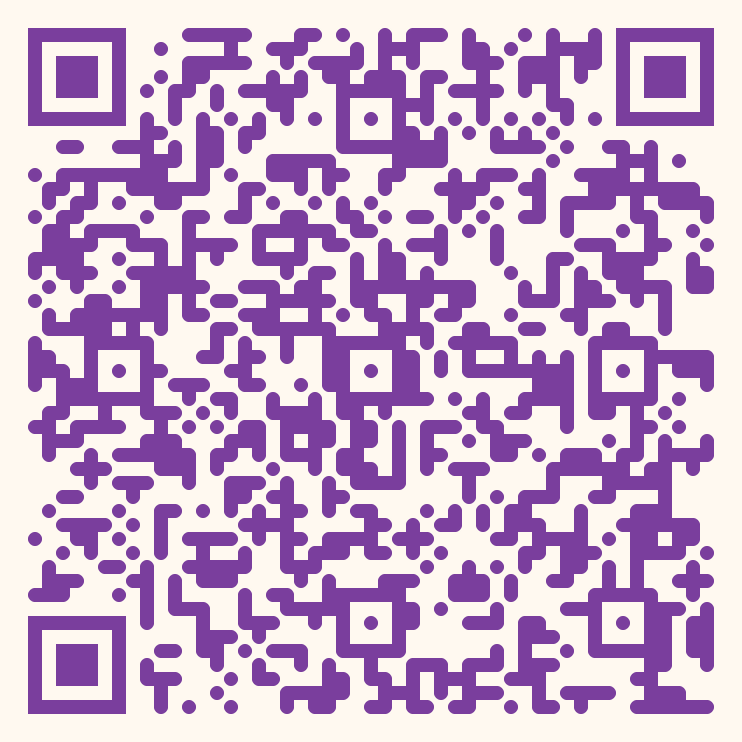 On a laptop?
Scan to get Mooshie on your iPhone.
The quick answer
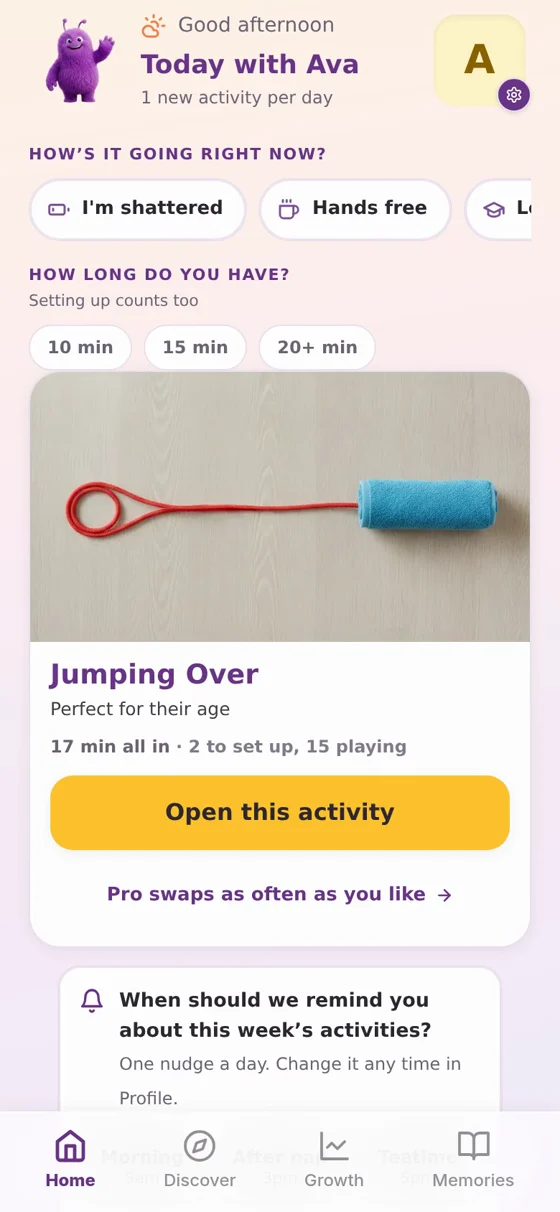
- Our pick for play ideas from 6 months (we make it): Mooshie Moments. One short game a day for your baby’s stage, with the words to say and what it builds.
- Best free options: Pathways.org Baby Milestones (an app) and CBeebies Parenting (a BBC website).
- Best if you want video demos: Kinedu and BabySparks.
- Good to know: the best “learning apps” for babies are used by the parent. The World Health Organization advises no screen time for babies under 1.

The apps at a glance
Swipe the table to see every column →
| App | Who uses the screen | Ages | Free version | Paid (UK) |
|---|---|---|---|---|
| Mooshie Moments | Parent only | 6 months to 4 years | 3 free games a week, no account | £9.99 a month or £29.99 a year, 7-day free trial |
| Kinedu | Parent (watches a video, then plays) | Pregnancy to 6 years | Limited activities, articles, milestones, baby tracker | Several App Store prices, £3.99 to £59.99; 7-day free trial |
| BabySparks | Parent (watches a video, then plays) | 0 to 3 years | Sample activities and milestone information | App Store lists £3.99 to £29.99, plans not named |
| Lovevery | Parent only | 0 to 36 months (app store listing) | 28-day free trial of the app | Included with Play Kits: £80 per kit (0 to 12 months), £120 per kit (1 to 4 years) |
| Pathways.org Baby Milestones | Parent only | Mainly birth to 3 | Whole app is free | Free |
| Vroom | Parent only | Birth to 5 years | Whole app is free, no in-app purchases | Free |
| CBeebies Parenting | Parent (website) | Pregnancy to 5 years | Everything is free | Free |
| The Wonder Weeks | Parent only | First 20 months | Free to download; main features on subscription | Several App Store prices, from £1.49 a month |
Prices and features checked November 2026 from each app’s own website and the UK App Store. Where the App Store lists several prices without naming the plan, we give the range. Prices can change, so check before you subscribe.
What a learning app for a baby should do
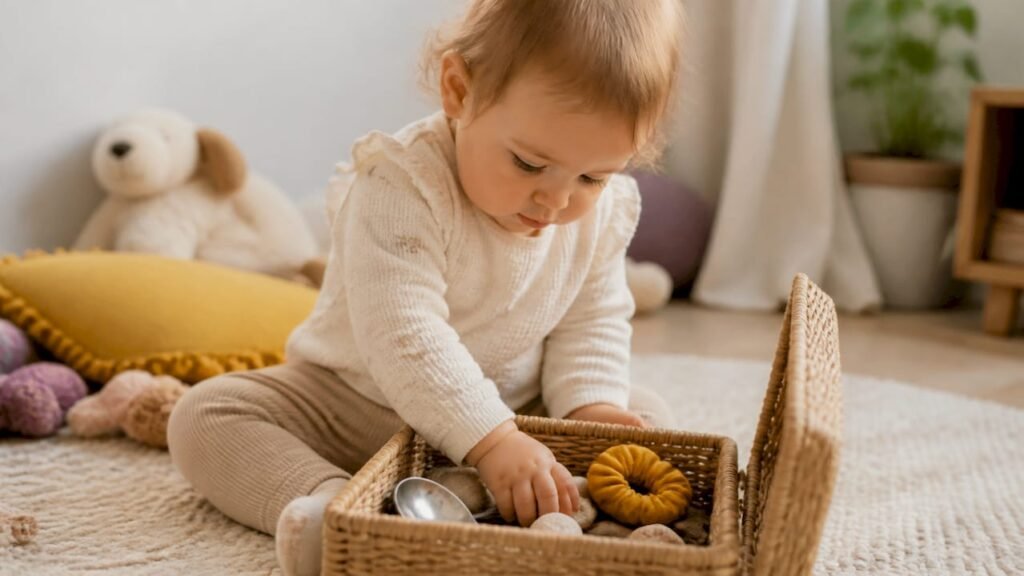
A baby learns by watching your face, hearing your voice and handling real things. So a good learning app for a baby is really an app for the parent: it tells you what to try today and why it matters, then gets out of the way.
We checked each app against four questions:
- Who holds the screen? Every app here is used by the grown-up, not the baby.
- Does it fit a baby’s day? Short ideas that work between feeds and naps beat long sessions.
- What is free? We describe the free version as the app itself describes it.
- What does it cost in pounds? Prices are from the UK App Store and official websites in November 2026.
We make Mooshie, so it appears first, but each entry has a fair “best for”. For milestones and leaps, see our best baby development apps guide.
Our picks, one by one
1. Mooshie Moments
Best for: Short, screen-free games from 6 months, using things you already have
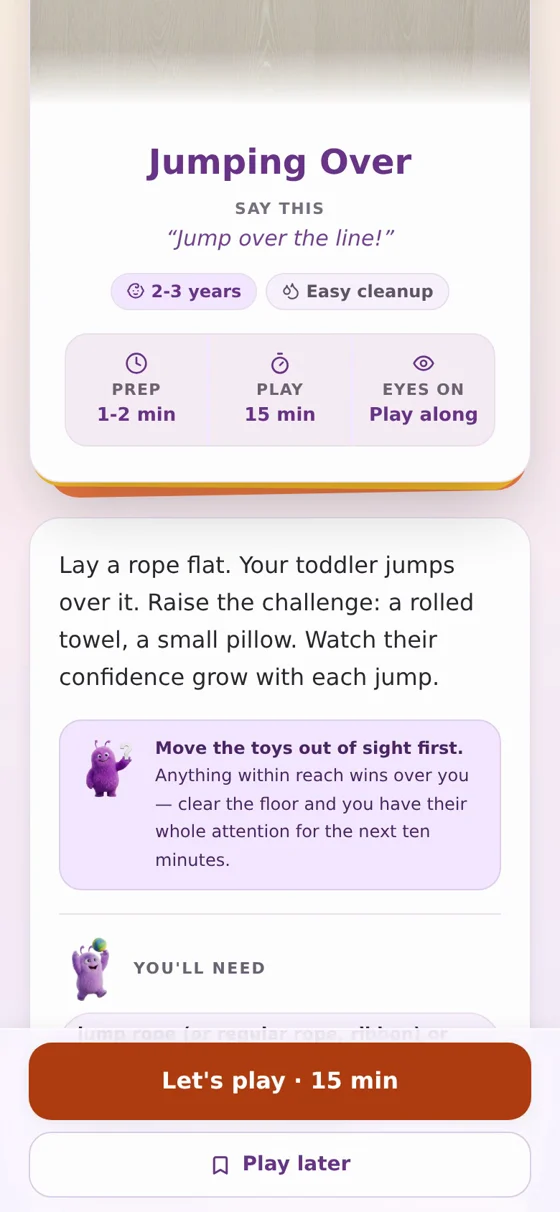
Mooshie is for you, not your child. Tell it your little one’s age, how much time you have and how the day is going, and it picks one game from 5,918, mostly using things you already have at home. Each game gives you the steps, the exact words to say and a Brain Boost on what it builds. You hold the phone and your child never touches it. To be clear about the gaps: it is iPhone only for now, it has no video demos, and it starts at 6 months.
2. Kinedu
Best for: A full programme with video demos and milestone tracking
Kinedu starts with a short development check, then builds a daily plan of video activities for your child’s stage, with milestone tracking, articles and a baby tracker. It covers pregnancy to age 6. Most of the library needs a subscription, and the UK App Store shows several prices without naming every plan, so check before the 7-day trial ends.
3. BabySparks
Best for: Budget-minded parents of under-3s who like to watch a demo first
BabySparks gives you a daily programme where every activity has a short video, plus milestone tracking and weekly reports. You can add up to 5 children to one account. The programme stops at age 3, and the free version is limited to sample activities.
4. Lovevery
Best for: Families who already have, or plan to buy, Lovevery Play Kits
The Lovevery app is the companion to the Play Kits toy subscription: week-by-week guidance, play ideas for each toy and expert answers. Everything matches the toys you have. After a 28-day free trial, full access needs an active Play Kits subscription, and most ideas centre on Lovevery’s own toys.
5. Pathways.org Baby Milestones
Best for: A free milestone tracker with videos of real babies
Made by a US non-profit, Pathways is completely free and shows what babies typically do and when, with short videos, play activities and simple trackers. Its milestones follow US guidance rather than the NHS, so use your red book and health visitor as your main UK reference.
6. Vroom
Best for: Free, quick brain-building tips for everyday routines
Vroom, from the Bezos Family Foundation, gives parents short tips that turn mealtime, bathtime and bedtime into brain-building moments, built on five basics: look, follow, chat, take turns and stretch. It covers birth to 5, is completely free and has no in-app purchases. It is US-made and has very few UK ratings, and the tips are short prompts rather than full games.
7. CBeebies Parenting
Best for: Free, trusted UK ideas, especially for early talking
BBC Tiny Happy People now lives inside CBeebies Parenting, a free BBC website with age-banded activities, short films and talking tips from pregnancy to 5, backed by UK partners including the RCSLT. It is a website, so there are no reminders or tracking, and its main focus is talking and communication.
8. The Wonder Weeks
Best for: Making sense of fussy phases in the first 20 months
Based on the bestselling book, The Wonder Weeks works out 10 mental leaps from your baby’s due date and explains the signs and new skills of each one. It is hugely popular in the UK. Some reviewers question the leap timings, so read it as a guide, and it stops at 20 months.
Why babies learn from you, not the app
In the first year, a baby’s brain is shaped by thousands of small exchanges: a coo answered with a smile, a toy dropped and handed back, a song with actions. Babies under 1 can’t learn much from a screen on their own, which is why the WHO advises no screen time at this age. Video calls with family are a different thing: they are a real back-and-forth.
That doesn’t mean an app has no place. Many parents run out of ideas by mid-morning, or aren’t sure what suits a 7-month-old as opposed to a 10-month-old. An app that suggests something for your baby’s stage, and tells you what to say, can make the time you spend together count. For ideas you can try right now, see our baby activities and activities for a 6 month old.
The free options, and what you actually get
- Pathways.org Baby Milestones: the whole app, free, with no in-app purchases.
- Vroom: free tips for everyday routines, no in-app purchases.
- CBeebies Parenting: everything, free, on the BBC website.
- Mooshie Moments: 3 games a week with no account, from 6 months.
- Kinedu and BabySparks: a limited set of activities and milestone information.
- Lovevery and The Wonder Weeks: free trials or limited free features, then a subscription.
Try Mooshie free this week.
3 games every week, free. No account, nothing to buy, and your child never touches the phone.
Choosing by your baby’s age
- Newborn to 6 months: Kinedu, Pathways, The Wonder Weeks and CBeebies Parenting all start from birth or earlier. Mooshie starts at 6 months.
- 6 to 12 months: play ideas matter most now. Mooshie, BabySparks and Lovevery all have plenty for this stage.
- 12 months and up: all of these still apply, and Mooshie runs to 4 years, so you won’t need to switch apps as your baby becomes a toddler.
If you are ever worried about your baby’s development, talk to your health visitor or GP. An app can give you ideas, but it can’t check your baby.
Parents and experts on Mooshie
“I used to spend 30 minutes looking for an activity on Pinterest, get overwhelmed, and just turn on the TV. Mooshie takes 5 seconds.”
“Finally, an app that tells me to put my phone away. The activities are actually doable with stuff I have in my junk drawer.”
“As a pediatric OT, I love that these activities build core developmental skills without feeling like ‘homework’ for parents.”
Questions parents ask
What is the best learning app for babies?
For babies, the best learning apps are ones the parent uses to play. For short, screen-free games from 6 months, we think Mooshie Moments is the best fit, though we make it. Kinedu and BabySparks suit parents who like video demos, and Pathways is the best free option.
Should babies use learning apps themselves?
The World Health Organization advises no screen time for babies under 1. Babies learn best from faces, voices and real objects, so the apps on this page are all used by the parent.
Are there free learning apps for babies?
Yes. Pathways.org Baby Milestones and Vroom are free with no in-app purchases, and CBeebies Parenting is a free BBC website. Mooshie gives you 3 free games a week from 6 months.
Can I use Mooshie Moments from birth?
No. Mooshie starts at 6 months. Before then, Kinedu, Pathways, The Wonder Weeks or CBeebies Parenting may suit you better, and you can switch to Mooshie at 6 months.
What should I do if I’m worried about my baby’s development?
Speak to your health visitor or GP. They can see your baby in person and arrange support if it is needed.
Make memories. Build skills. Play together.
Your first game is ready as soon as you tell us their age.